Dynamics
Connect Dynamics, import contacts and leads, and send campaign results back to Dynamics
- Overview
- Features
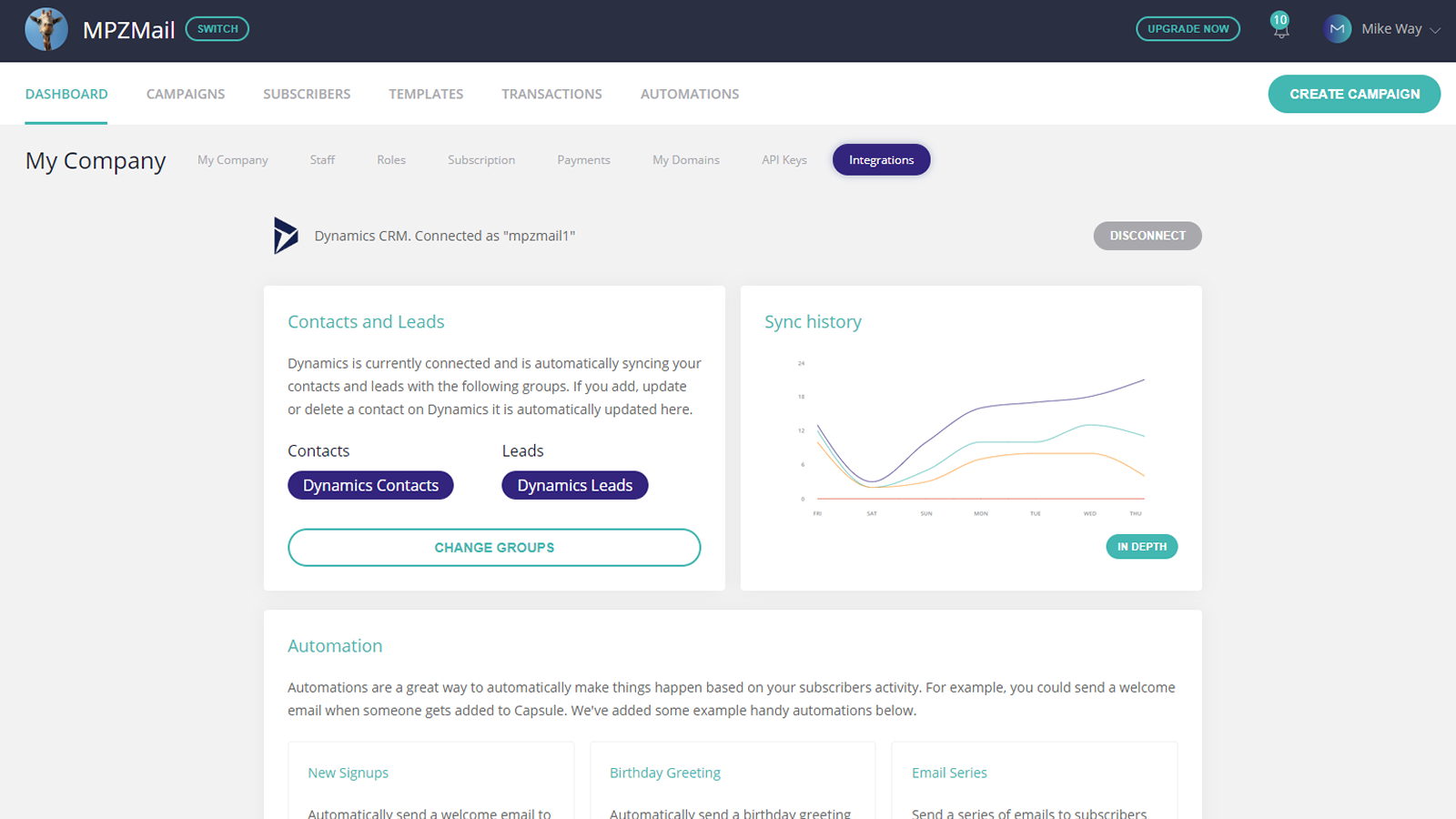
Connect your Dynamics CRM Account and automatically sync contacts, create email marketing campaigns, setup marketing automations and send results back to Dynamics.
In just a few clicks you can connect any existing Dynamics CRM account and start designing and sending email marketing campaigns, transactional emails, marketing automations and much more.
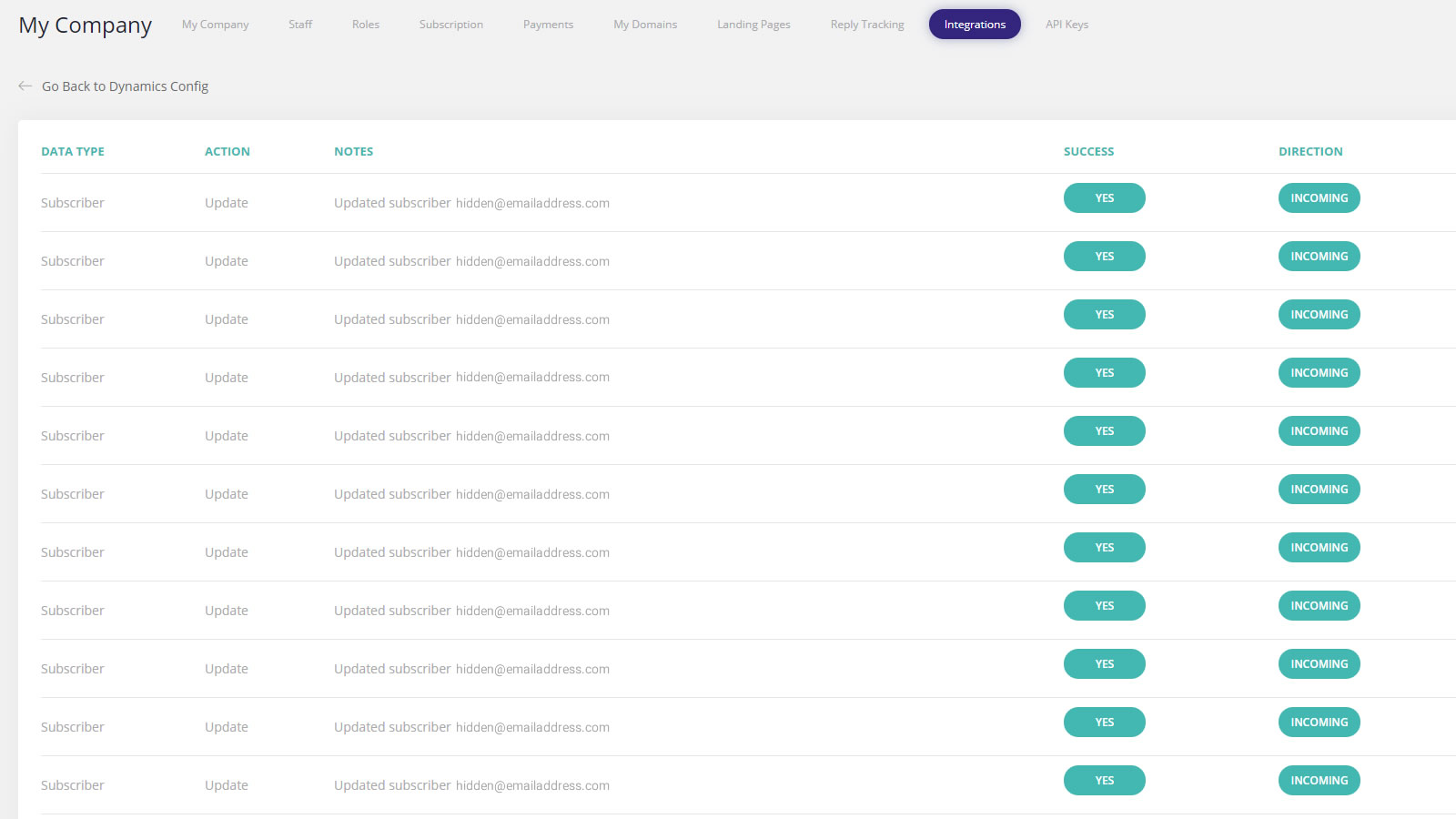
Contact lists are synced 24 hours a day in real-time, meaning your subscriber lists are never out of date, and campaign actions such as unsubscribes, clicks, and opens are sent back to Dynamics for analysis and logging.
Transpond to Dynamics CRM Features
- Real-time sync
of Dynamics contacts and leads. - Campaign and Automation Results
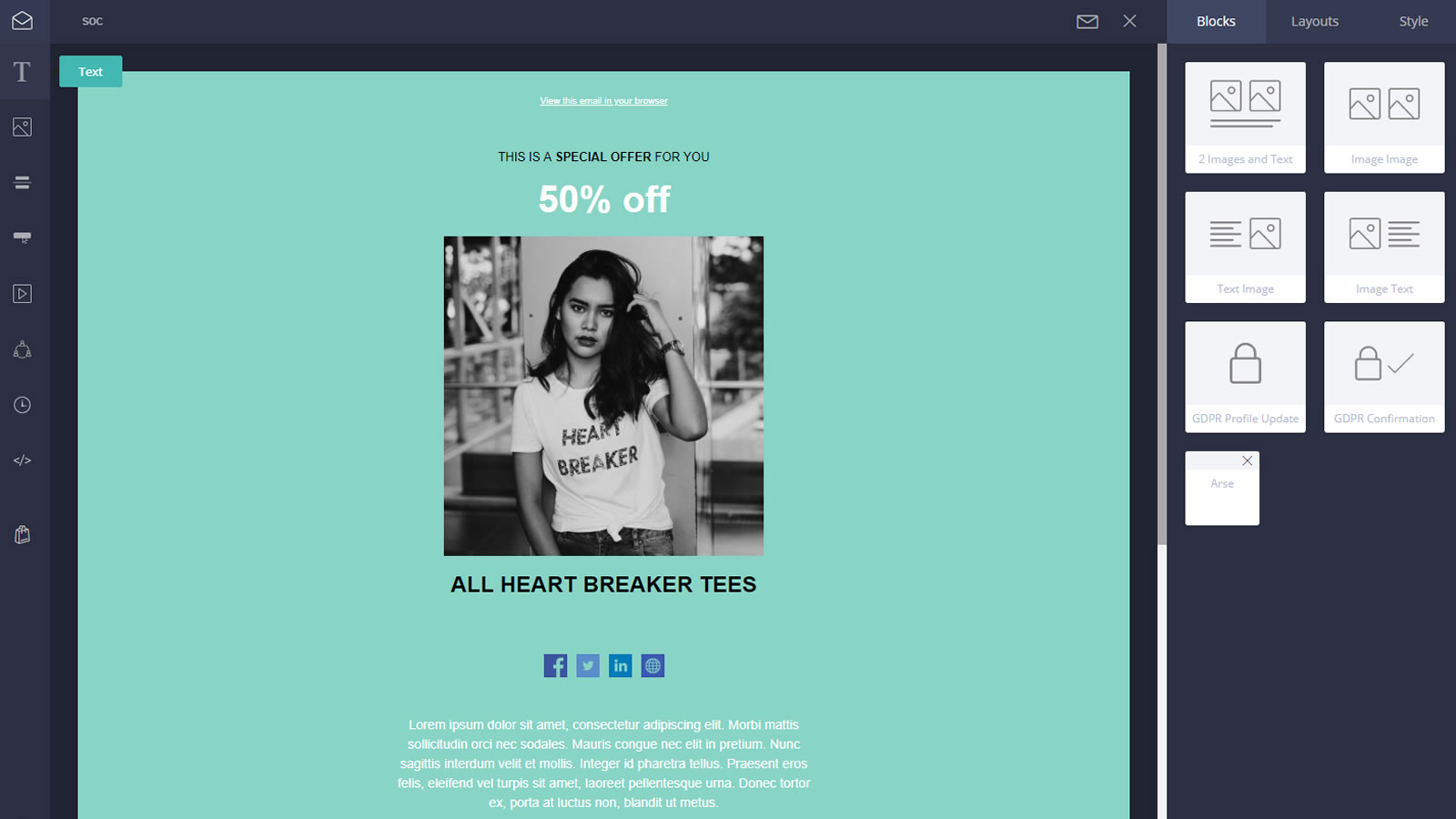
Automatically sent back to Dynamics. - Cutting edge Drag and Drop email editor.
Create responsive email templates from one of many pre-made designs. - Easy, powerful campaign creation.
Send scheduled emails to multiple groups and segments at once. - In-Depth Analytics.
See who has opened, clicked and unsubscribed from your emails. Which links were clicked, how many times they viewed, and much more. - Drag and Drop Automation editor.
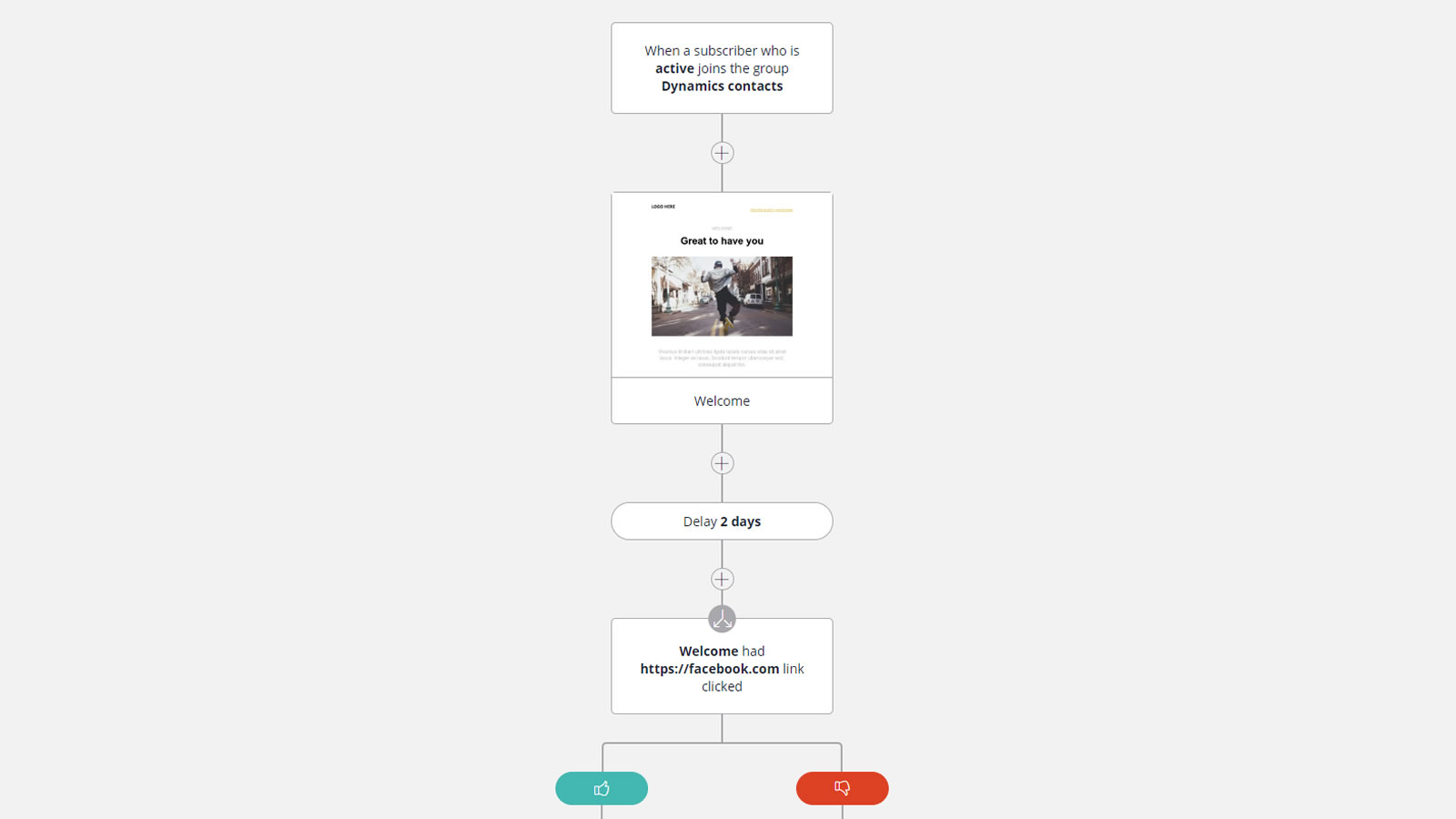
Produce complex automations with ease. Send Emails, delay, wait for goals, move data, and much more. - Send transaction emails.
Plugin Transpond transactional emails to your website, or even email client and track every email. - Drag and Drop Landing Pages + Forms
Design double opt in Signup Forms, and landing pages. No coding needed!
Attract new customers to your mailing list. GDPR Compliant. - Website Tracking
Monitor the results of campaigns, once subscribers leave your email campaign. - Competive pricing, from Free
Send to up to 1,000 contacts per month for free! - And much more.